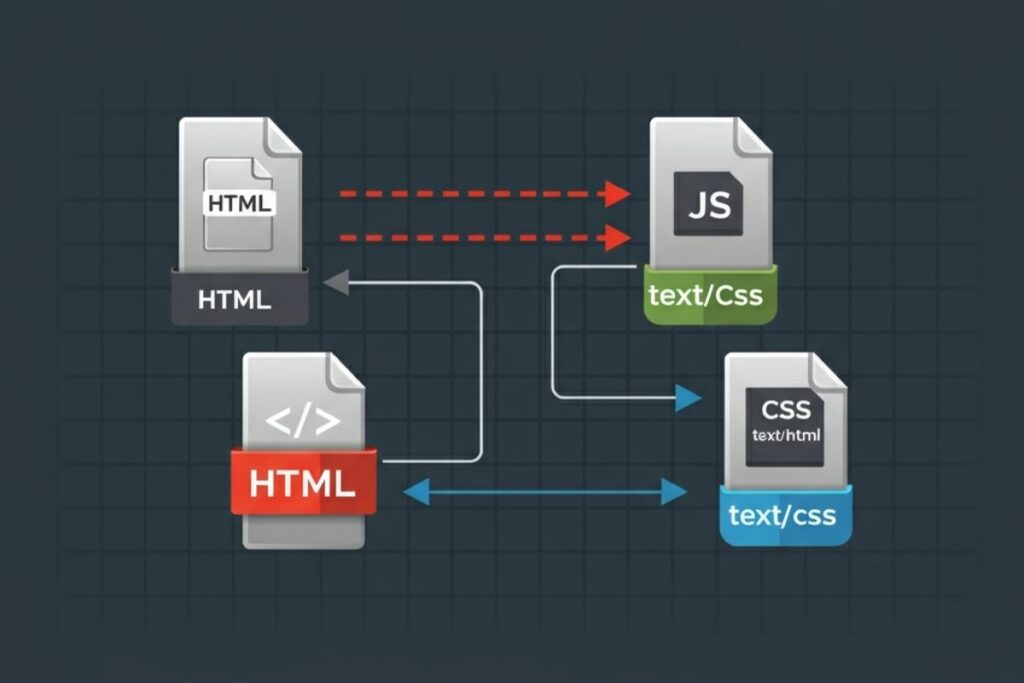
File mime type checker
Created on 13 November, 2025 • Checker Tools • 0 views • 2 minutes read
A File MIME Type Checker is a handy online tool that helps you identify the true format of a file by analyzing its MIME type (Multipurpose Internet Mail Extensions). The MIME type tells you what kind of data a file contains—whether it’s an image, video, do
File MIME Type Checker: Identify and Validate File Types Easily
What Is a File MIME Type Checker?
A File MIME Type Checker is a handy online tool that helps you identify the true format of a file by analyzing its MIME type (Multipurpose Internet Mail Extensions). The MIME type tells you what kind of data a file contains—whether it’s an image, video, document, or audio file. This tool is essential for verifying that files are correctly labeled and safe to use, especially in web development, cybersecurity, and content management.
Why File MIME Types Matter
MIME types are used by browsers and servers to determine how a file should be processed or displayed. For example, a .jpg file should have a MIME type of image/jpeg, while a .pdf file should be application/pdf. If the MIME type doesn’t match the actual file content, it can cause security risks, upload errors, or display issues.
Common Uses of a File MIME Type Checker
Web Developers: Ensure files are served with the correct MIME type for compatibility.
Cybersecurity Experts: Detect mismatched or disguised files that may contain malicious content.
System Administrators: Verify files during uploads or backups for integrity and consistency.
Content Managers: Confirm that media files are properly identified for SEO and performance.
How a File MIME Type Checker Works
When you upload or input a file, the MIME Type Checker scans its internal signature (also called a “magic number”) rather than relying solely on its file extension. This method ensures accurate detection, even if the file name or extension has been changed.
The tool then displays the actual MIME type, file type, and extension, allowing you to confirm whether they match.
Example of MIME Type Detection
File Type File Extension MIME Type
JPEG Image .jpg / .jpeg image/jpeg
PDF Document .pdf application/pdf
MP4 Video .mp4 video/mp4
HTML File .html text/html
ZIP Archive .zip application/zip
Why You Should Use a File MIME Type Checker
1. Prevent Security Threats
Attackers sometimes disguise malicious files (e.g., renaming .exe as .jpg). Checking the MIME type helps detect such hidden threats.
2. Ensure File Compatibility
Web applications rely on MIME types to handle files correctly—this prevents download or display errors.
3. Maintain Website Integrity
For websites that host images, videos, or documents, accurate MIME types ensure smooth performance and proper indexing by search engines.
4. Support File Validation in Upload Forms
If you run a website that accepts file uploads, using MIME type validation prevents users from uploading unwanted or dangerous files.
Benefits of Using a File MIME Type Checker
Accurate file detection beyond extensions
Increased website and system security
Improved compatibility across browsers and servers
Reduced risk of malware or corrupt files
Conclusion
A File MIME Type Checker is an essential tool for anyone managing or uploading digital files. It helps verify file authenticity, prevent security breaches, and ensure proper functionality across platforms. By regularly checking MIME types, developers and users can maintain safer, faster, and more reliable digital environments.
SEO Keywords:
File MIME Type Checker, check file MIME type, file type validator, detect file format online, verify file type, MIME type detection tool, file security check
Categories
Popular posts
-
DNS LookupChecker Tools • 1 views
-
IP LookupChecker Tools • 1 views
-
Reverse IP LookupChecker Tools • 1 views
-
SSL LookupChecker Tools • 1 views
-
PingChecker Tools • 1 views