Ping
Created on 12 November, 2025 • Checker Tools • 1 views • 2 minutes read
Ping is one of the most basic yet powerful network tools used to test the connection between your computer and another device or server on the internet. The term “ping” comes from sonar technology, which sends sound waves and waits for an echo — just like
Understanding Ping: A Simple Tool for Checking Network Connectivity
What Is Ping?
Ping is one of the most basic yet powerful network tools used to test the connection between your computer and another device or server on the internet. The term “ping” comes from sonar technology, which sends sound waves and waits for an echo — just like how a ping command sends a signal and waits for a reply.
In networking, Ping helps determine whether a specific IP address or domain name is reachable. It also measures how long it takes for data to travel from your device to the destination and back, known as latency or ping time.
How Does Ping Work?
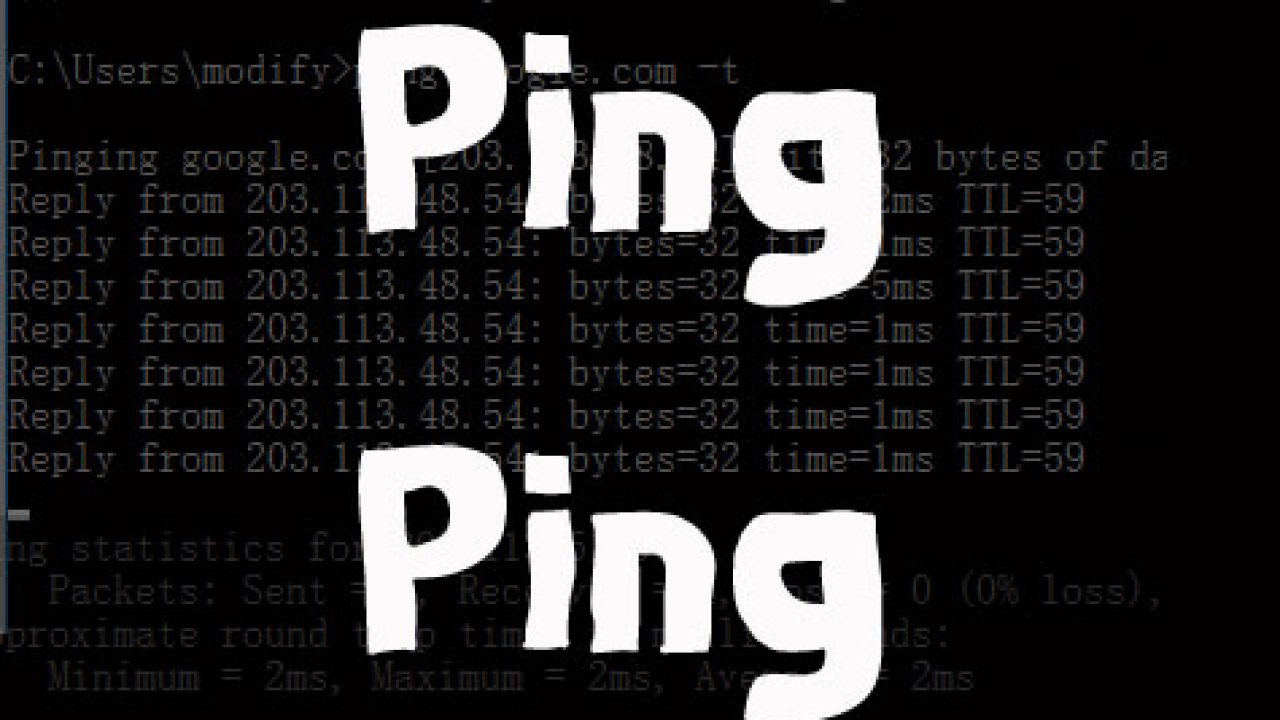
When you use the Ping command, it sends ICMP (Internet Control Message Protocol) packets to a target IP address or domain. The target then sends a response back, showing that the connection is successful.
The Ping result includes:
Reply time (ms) – The time taken for the round trip.
Packet loss – If some packets fail to return, it indicates connection issues.
TTL (Time To Live) – The number of hops before the packet expires.
For example, typing ping google.com in your computer’s terminal or command prompt will show how fast your device communicates with Google’s servers.
Why Is Ping Important?
Ping is widely used by IT professionals, gamers, and website administrators to monitor connection quality and diagnose network problems. Here’s why it matters:
Checks connectivity – Confirms whether a website or server is online.
Measures internet speed – A low ping means a faster and more stable connection.
Troubleshoots network issues – Helps identify if slow performance is due to local or external problems.
Monitors server uptime – Ensures your website or service remains accessible to users.
Ideal Ping Times
0–50 ms: Excellent – perfect for gaming and video calls.
50–100 ms: Good – works well for browsing and streaming.
100–200 ms: Fair – may cause slight delays.
200+ ms: Poor – noticeable lag and slow response.
A high ping can result from poor Wi-Fi signals, network congestion, or distant servers.
How to Use Ping Online
You don’t need technical skills to perform a ping test. Many online Ping tools let you check the status of a website or IP address instantly. Simply enter the domain or IP, and the tool will display the response time and packet loss details.
These tools are especially useful for webmasters who need to monitor website uptime, detect server latency, or ensure global accessibility.
Conclusion
Ping is a simple yet essential tool for testing network performance and diagnosing connectivity problems. Whether you’re troubleshooting slow internet, checking server availability, or monitoring website health, Ping provides quick and reliable insights.
By understanding Ping results and response times, you can maintain faster, more stable connections for both personal and professional use.
SEO Keywords:
Ping, Ping test, online Ping tool, network connectivity, check ping time, ping command, ping test online, internet speed test, website uptime, server latency
Categories
Popular posts
-
DNS LookupChecker Tools • 1 views
-
IP LookupChecker Tools • 1 views
-
Reverse IP LookupChecker Tools • 1 views
-
SSL LookupChecker Tools • 1 views
-
PingChecker Tools • 1 views